Application Insights
Overview
Application Insights helps you monitor your app in real time. It collects telemetry automatically and works across all platforms and languages.
- Monitors requests, failures, response times, and dependencies
- Provides real-time insights into app behavior
- Detect performance problems before they affect users
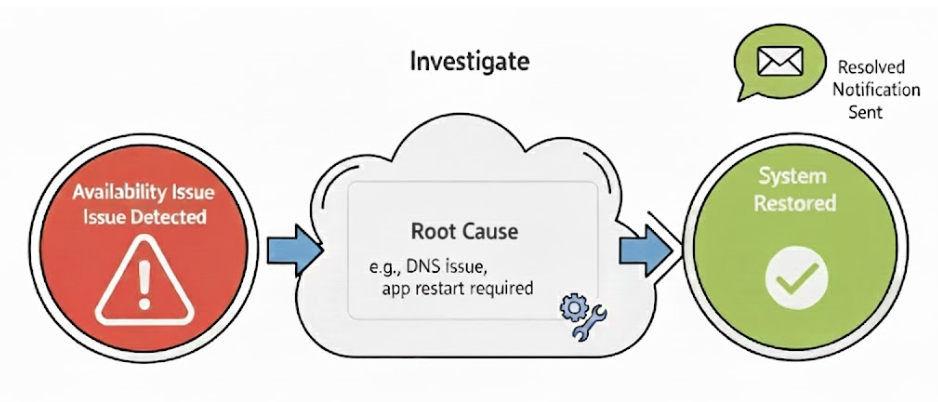
You can use Application Insights to track availability and trigger alerts to notify your team when something goes wrong.
How It Works
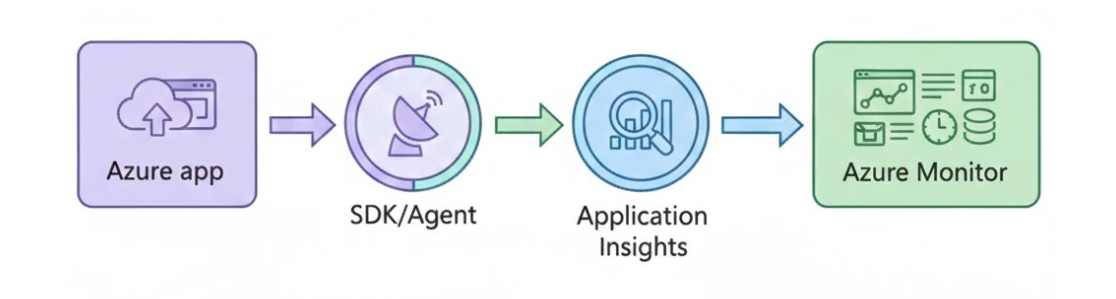
Your app sends telemetry through an SDK or agent and Azure processes the data.
- Telemetry is sent automatically from your app
- Azure ingests and analyzes the data
- The data is showed in dashboards, charts, and traces.
This simple flow turns your app’s activity into actionable insights.
Distributed Tracing
Distributed tracing allows you to follow a user’s request across multiple services to see exactly where delays or failures happen.
- Track requests across different services
- Identify which service caused a slowdown
- See the entire journey of a user request

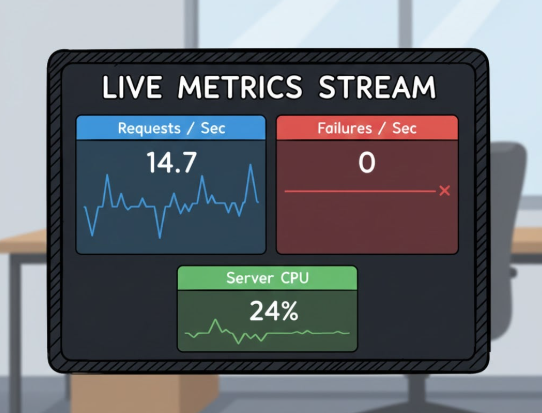
Live Metrics
Live metrics provide instant visibility and help you react to issues as they occur.
- View real-time request rates, failures, and performance
- Monitor deployments and incidents immediately
- React to problems as they occur
This helps teams respond quickly to issues and reduce downtime.
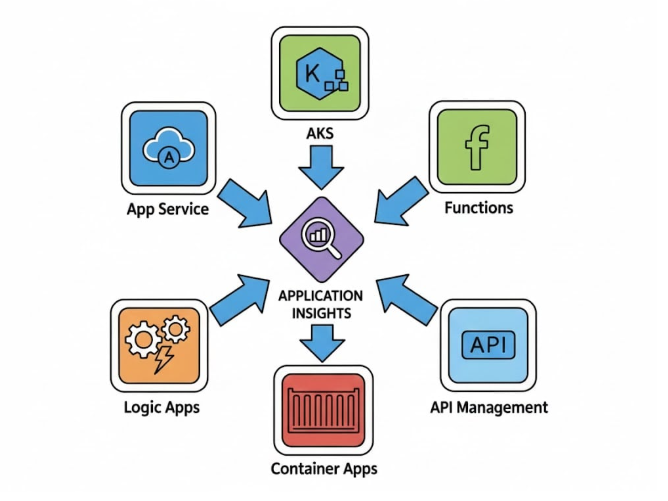
Azure Integrations
Application Insights also works seamlessly with other Azure services. It supports:
- App Service
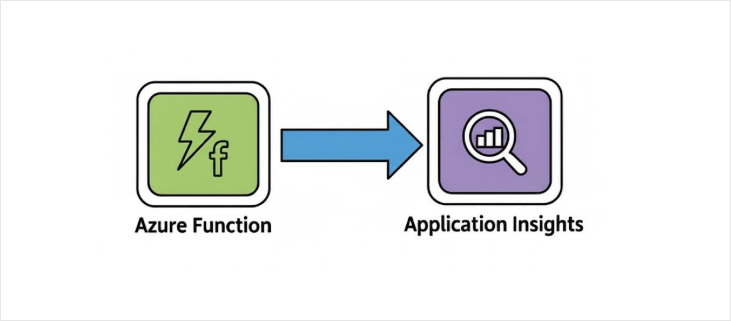
- Function App
- AKS
- Containers
- APIs
It acts as a central observability tool for your architecture and combines telemetry from multiple services automatically.
Availability Tests
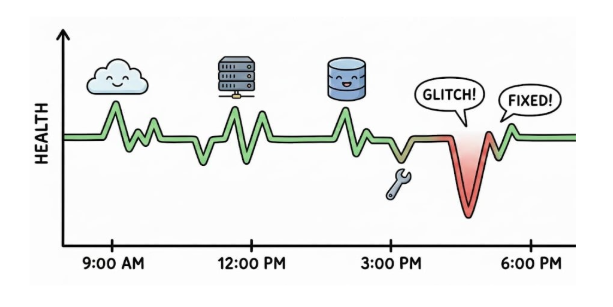
Availability tests help you check if your app is up and responding. They run automatically so you don’t have to rely on users to report issues.
- Checks if your app is reachable
- Runs tests on a schedule
- Alerts you when something fails
These tests simulate real user requests to your app. They verify that your app is working correctly.
- Sends requests to your app or API
- Validates response status and performance
- Detects slow or failed responses
These tests act like automated users constantly checking your app’s health.
Types of Availability Tests
Azure provides different types of tests depending on your needs.
| Test Type | Description |
|---|---|
| Ping test | Simple uptime checks |
| Standard test | Full user journeys |
| Custom test | Advanced scenarios |
Ping Test
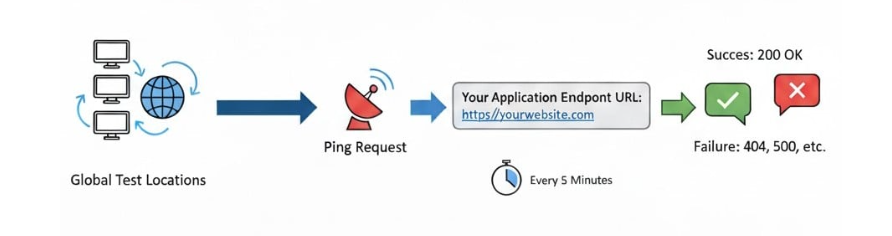
Ping tests are simple and lightweight checks. They send HTTP requests to your app.
- Sends HTTP GET request to a URL
- Checks response codes like 200 or 404
- Runs from selected locations
This is useful for basic uptime monitoring.
Standard Test
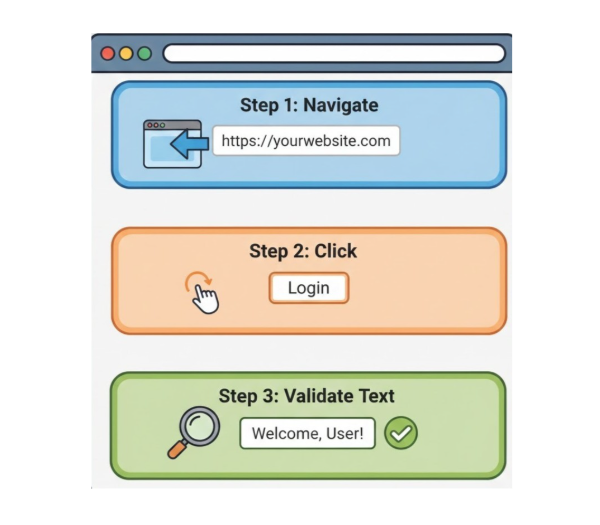
Standard tests simulate real user interactions using a browser.
- Loads pages and runs user flows
- Tests login, dashboards, or navigation
- Detects issues beyond simple HTTP checks
This helps ensure full user journeys are working correctly.
Custom Tests
Custom tests allow you to define your own logic using code.
- Test APIs and workflows
- Validate database responses
- Run multi-step logic
This gives full control over how your app is tested.
Test Results and Insights
Availability tests generate useful data for monitoring and troubleshooting.
- Shows uptime and performance trends
- Provides detailed failure logs
- Helps identify patterns over time
You can quickly find issues like timeouts, errors, or slow responses.
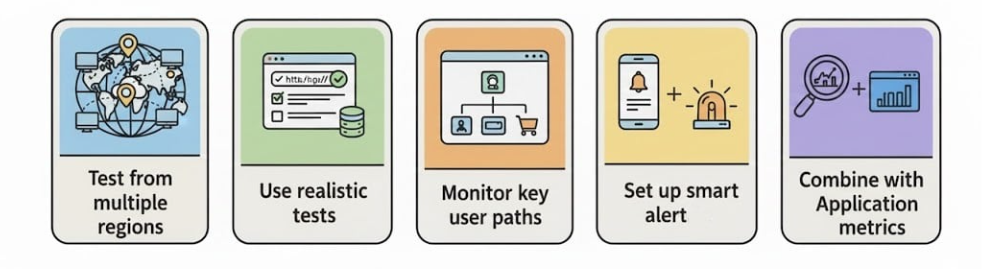
Best Practices for Availability Tests
Follow these practices to get the most value from availability tests.