Point Folder To index.md
Overview
In Docusaurus, a category is a sidebar item that can contain docs or other categories. In practice, it behaves like a folder in the sidebar. By default, clicking a category opens a generated index page listing its contents.
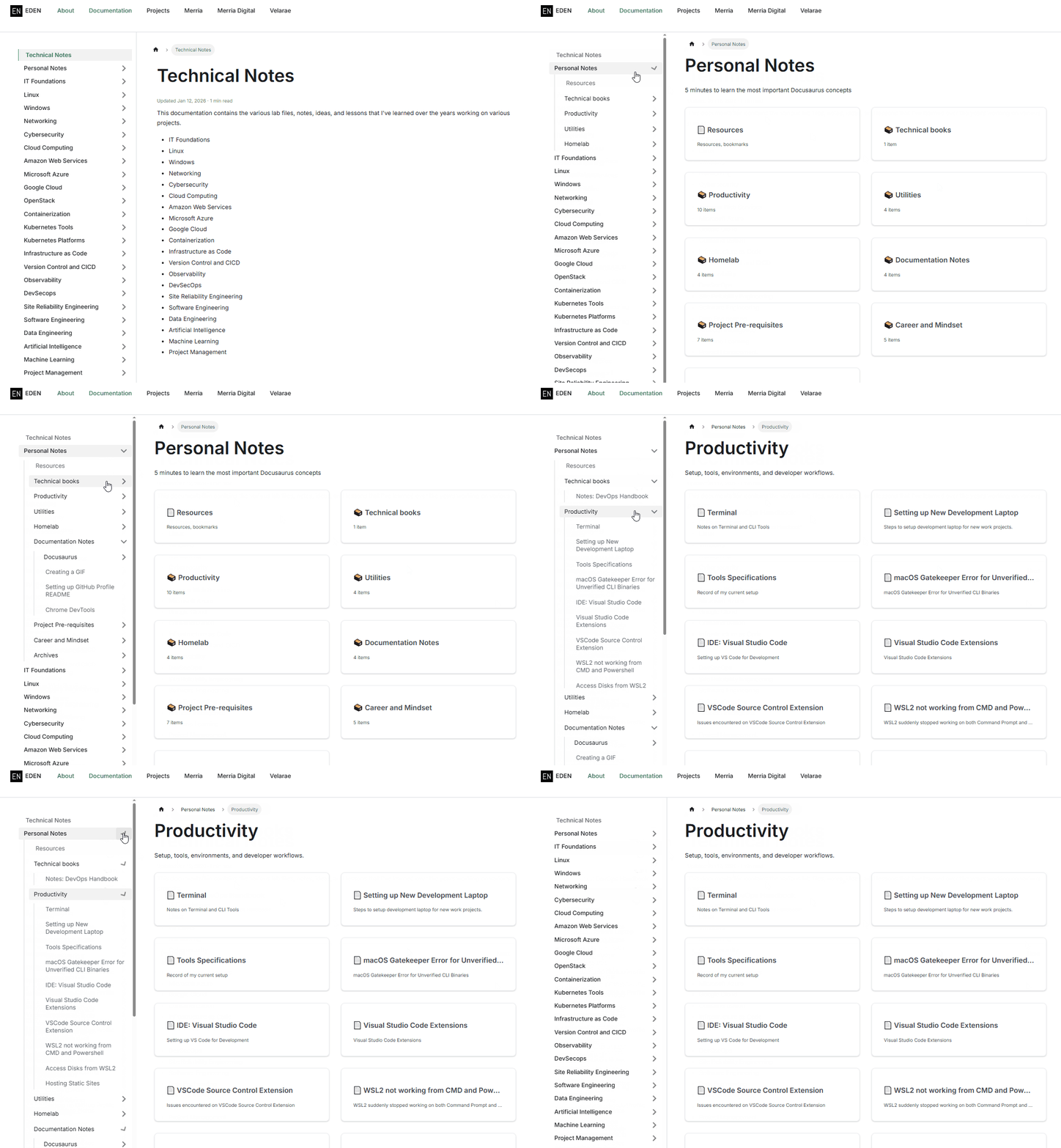
The goal is to make the sidebar open a real doc for the folder, usually index.md, when the user clicks the category.
In other words, instead of showing a generated page with a list of sub-items, the folder should open a specific doc that serves as the landing page for that category. This is useful for providing an overview or introduction to the category's content, rather than just a list of links.
Note: I did not apply this pattern to every folder in the site. Some folders still use the generated category page on purpose so both approaches are visible.
Example Structure
Sample folder structure:
Amazon Web Services/
├── AWS Services/
│   ├── Compute/
│   │   ├── index.md  ## This can be any file name actually, as long as its markdown
│   │   ├── EC2-Instance-Type.md
│   │   └── EC2-Networking.md
│   └── _category_.json
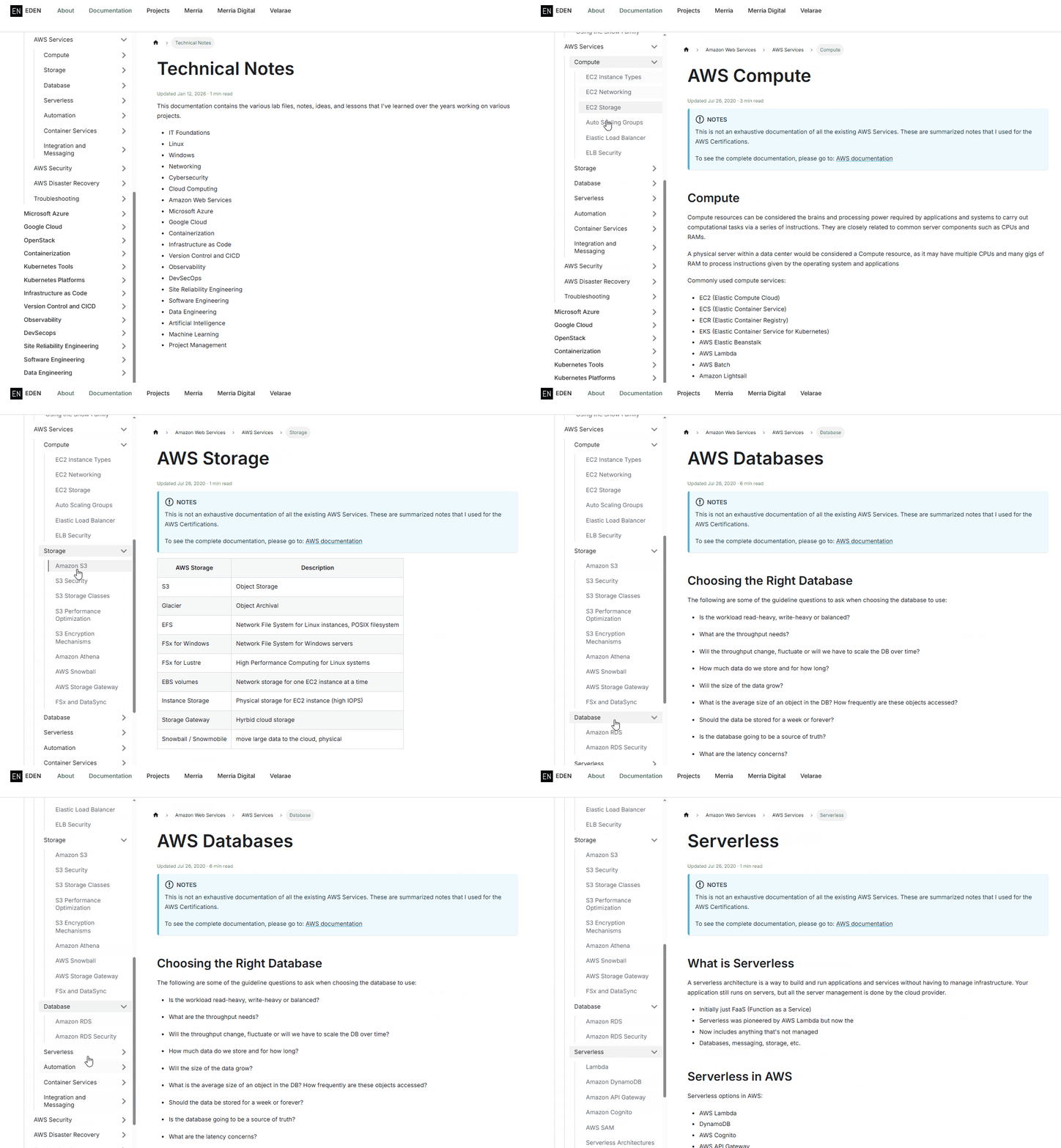
The outcome we want is that when the user clicks on "Compute" in the sidebar, it should open index.md instead of a generated category page containing the list of sub-items.
Use a doc link
To make the category open a real page, we need to set the category's _category_.json to reference a target doc.
First, give the target doc an explicit Docusaurus id. For example, in index.md:
---
title: "AWS Compute"
id: aws-compute-overview
---
Then point the folder's _category_.json to that doc ID:
{
  "label": "AWS Compute",
  "position": 20,
  "link": {
    "type": "doc",
    "id": "aws-compute-overview"
  }
}
Now, when the user clicks that sidebar category, Docusaurus opens the target doc instead of a generated index page.
Notes:
- The
idis a Docusaurus doc ID, not a filesystem path. - The
idis relative to thedocsfolder - The
idis used by Docusaurus to resolve docs inside the site - An explicit
idis more reliable than the inferred ID ofindex.md
Do not use an Absolute Path
Do not use something like:
"id": "C:/Project/Amazon-Web-Services/Compute/index.md"
Reasons:
- Docusaurus does not look up docs by your machine's absolute file path
- Absolute paths only make sense on one computer and will break across environments
- The sidebar
idmust match the internal doc ID that Docusaurus generates