Network Devices
Network Hubs
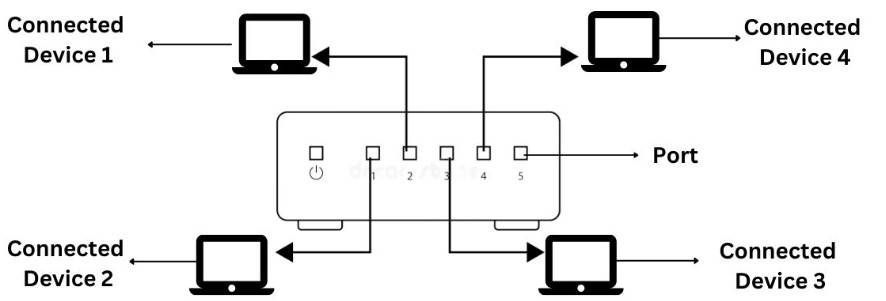
Hubs are basic networking devices that broadcast data to all connected devices without distinguishing between them.
- Connect multiple devices in a network, commonly found in home networks
- Less intelligent compared to switches or routers
With a network hub, all network traffic is always flooded to all hub ports; it is a single broadcast domain and cannot be configured otherwise
Network Bridges
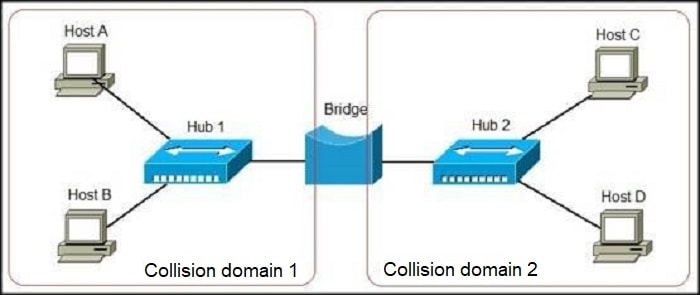
A network bridge is a device that connects two or more network segments, allowing them to function as a single network.
- Each segment becomes its own collision domain
- Filters and forwards traffic based on MAC addresses.
- Does not route packets between different networks or broadcast domains
A bridge can be used to create network segments, or collision domains, but it cannot create multiple broadcast domains.
Switches
Switches are networking devices that connect multiple devices within a local area network (LAN).
- They direct data between devices within the network
- Typically hidden in wiring closets
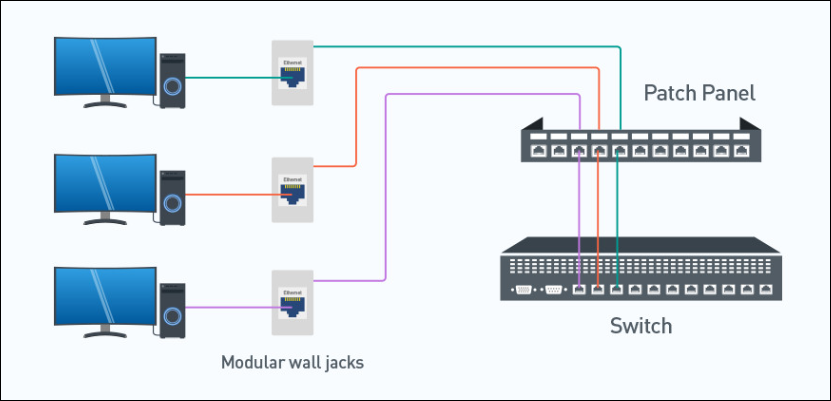
- Each switch port connects to one end of a network cable
The cables run through conduits, connecting to Ethernet jacks (wall jacks) throughout the building.
WAPs
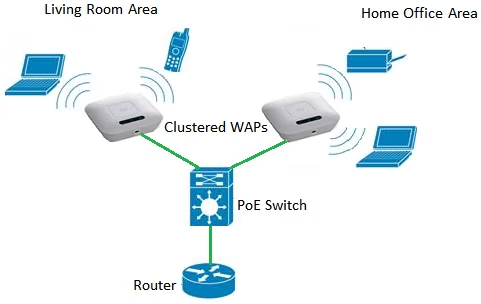
Some devices connect to the network wirelessly via Wireless Access Points (WAPs). These WAPs are connected to switches and create Wi-Fi networks, sending and receiving signals to and from mobile devices.
For more information, please see WAPs.
Dual-Homed
Dual-homed devices are devices which have at least two network interfaces, each on a different network or segment....
- Bridges
- Routers
- Firewalls
- Gateways
- Some proxies
(ISC)² and CompTIA often refer to screened-host firewalls or bastion hosts as the classic dual-homed devices because they intentionally sit between two networks with separate NICs for isolation.
Routers
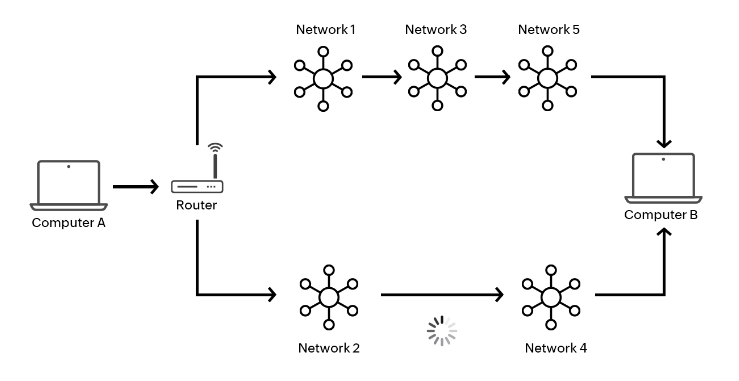
Routers are devices that direct data between different networks, ensuring it reaches its correct destination.
- They connect LANs to the internet or other networks
- They determine the best path for data to travel across networks
- They often include firewall and network management features
Router Planes
A router operates using three main functional planes:
-
Management Plane
- Handles traffic destined for the router itself
- Protocols: SSH, SNMP
-
Control Plane
- Manages the network infrastructure and routing decisions
- Processes data in software
- Protocols: OSPF, BGP, EIGRP
-
Data Plane
- Forwards packets using information from the control plane
- Responsible for high-speed packet switching
- Processes data in hardware
Core Routers
Core routers act as the core of your network communication. They handle high-volume data packets and enable forwarding between the connected networks. They do not communicate with the external world, such as the internet.
Servers
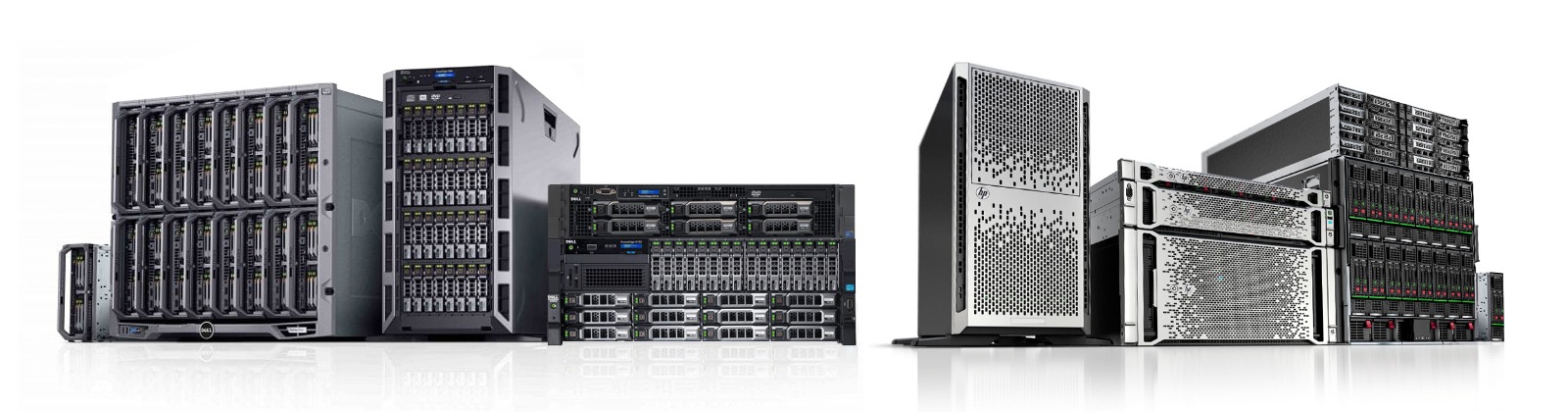
Servers are powerful computers that manage and deliver resources or services to other devices on a network.
- Provides information to other computers on a network
- Common types include web servers, email servers, print servers, database servers, and file servers
- Secured differently than workstations
Endpoints
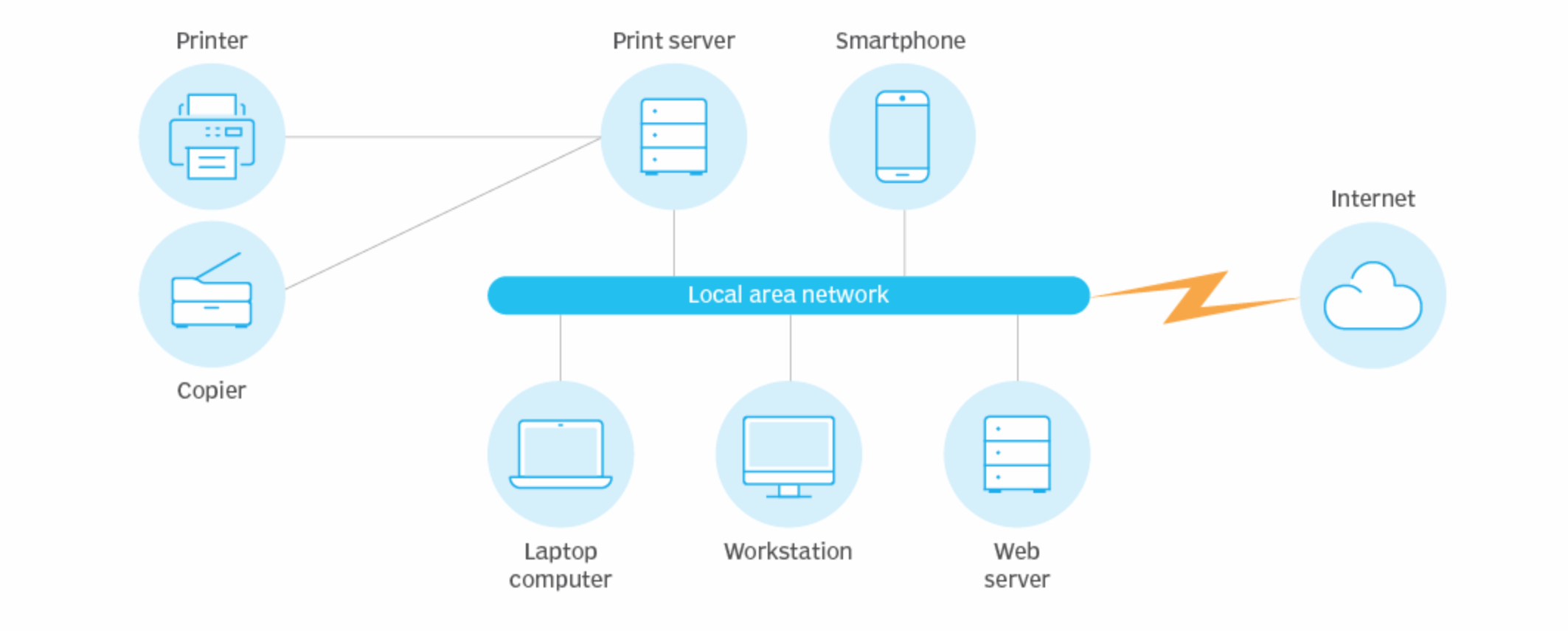
Endpoints are the devices that act as the source or destination of network communication.
- Ends of a network communication link
- One end often at a server with a resource, the other end a client making a request
- Can be servers, desktops, laptops, tablets, mobile phones, or other end-user devices
Network Sensors
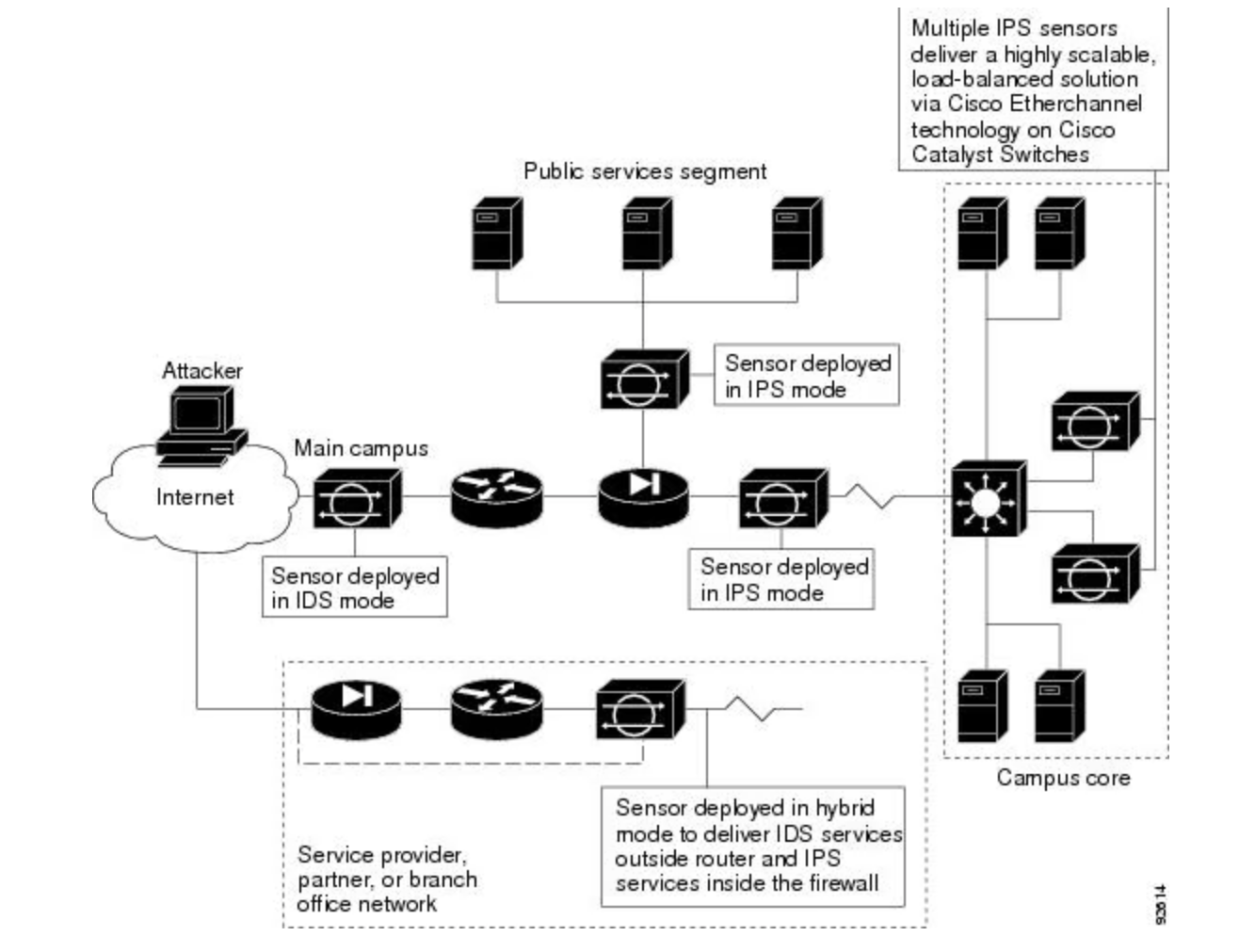
Network sensors are devices that continuously monitor network traffic to identify and report on anomalies and potential security threats.
- Devices or software agents deployed within a network
- Collect data for analysis and reporting
- Integrate with other security systems to automate alerts and responses
Types of Network Sensors:
-
Intrusion Detection Systems (IDS) Passive sensors that alert when threats are detected.
-
Intrusion Prevention Systems (IPS) Active sensors that can also block traffic.
-
Flow Sensors Monitor metadata (e.g., NetFlow, sFlow) instead of full packet contents.
-
Packet Capture (PCAP) Sensors Collect full packet data for in-depth analysis.
Jump Servers
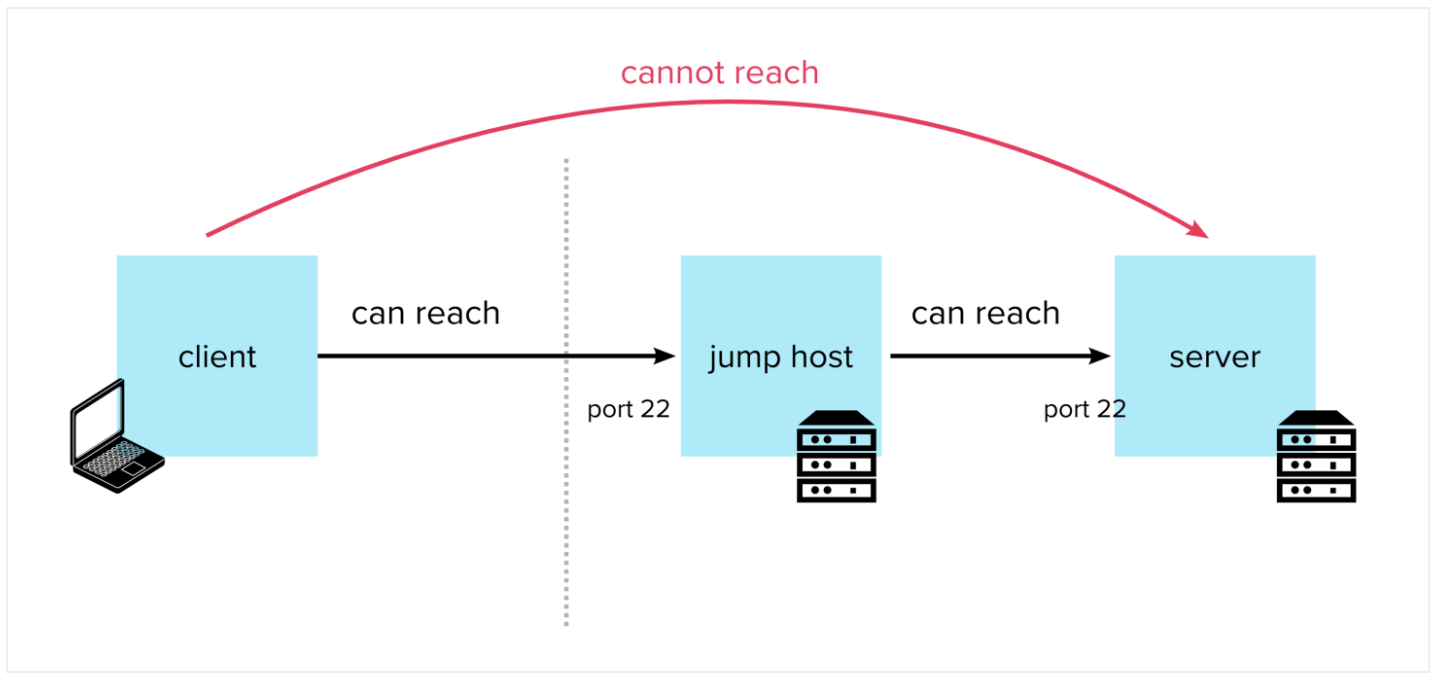
Jump servers, also known as "jump boxes," provide a secure and controlled environment for administrators to perform network tasks.
- Serve as secure access points for admin tasks
- Isolate administrative activities from regular network traffic
- Log and monitor all administrative actions for auditing purposes
- Usually host a range of tools and scripts for system administrators
Firewalls
Firewalls are security devices that monitor and control network traffic based on predefined rules.
- They block or allow traffic to protect networks from unauthorized access
- Firewalls can filter both inbound and outbound traffic
For more information, please see Firewalls.