Boards
Updated Jan 27, 2020 ·
This notes is based on Atlassian's course on Jira Fundamentals
Overview
Boards visually track work progress with columns for statuses like "To Do" and "Done."
- Workflow: Issues move through stages (e.g.,
To Do ➔ Done). - Moving Issues: Drag issue cards across columns to update progress.
Moving Issue Cards
These board columns have headers at the top representing the status of each issue. For example, statuses could be:
- To Do
- In Progress
- In Review
- Done
Issues can move forward and backward in a workflow, depending on how the work gets done.
Board Names
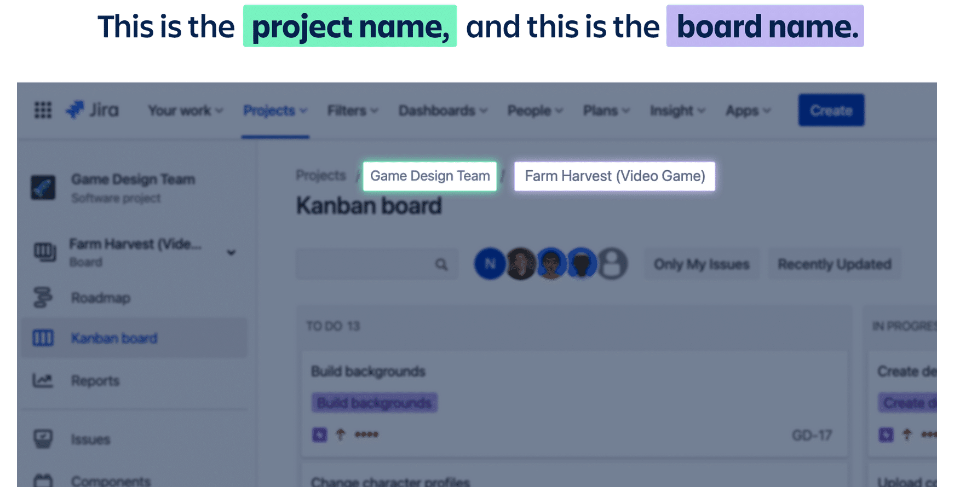
Boards are part of projects and named after teams or deliverables.
- Boards exist within projects and may have multiple boards.
- Board names focus on teams or deliverables.
Board Views
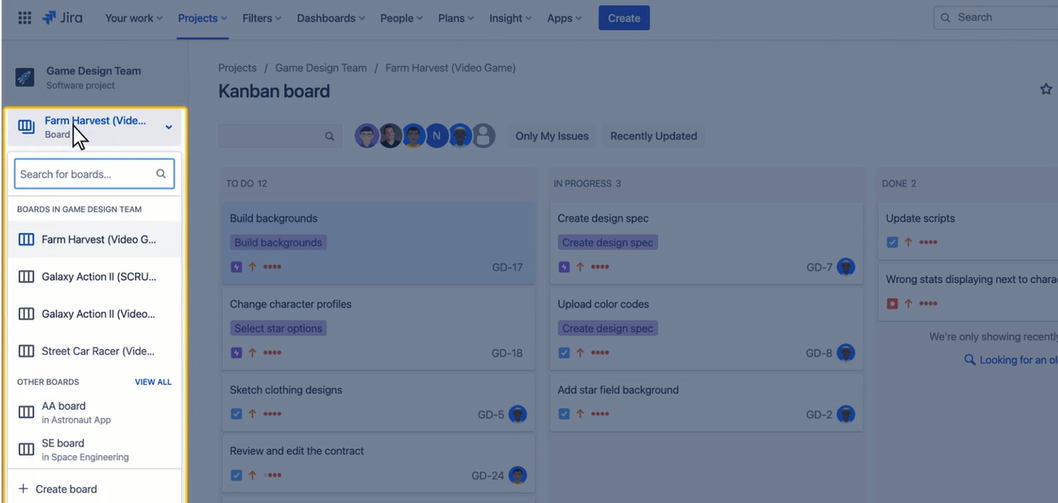
To view all your boards, use the left project sidebar and select the board dropdown. Projects can have multiple boards, often named after deliverables.
Board Types
Boards help organize work.
- Kanban: Continuous workflow without fixed deadlines.
- Scrum: Work done in sprints, ideal for agile teams.