Build a Habit
This notes is based on Atlassian's course on Jira Fundamentals
Build a Habit
Making Jira part of your daily routine can improve your productivity and team collaboration.
-
Stay organized: See all your work in one place and prioritize tasks effectively.
-
Track performance: Use Jira data to review your progress and discuss career growth with your manager.
-
Improve team transparency: Stay updated on your team’s work and collaborate better.
Tips for Building a Habit
-
Keep Jira open: Stay logged in and keep it in an easy-to-find tab or a dedicated browser window.
-
Start your day with Jira: Check Jira after reviewing your email and calendar to prioritize your tasks for the day.
-
Commit to a streak: Use Jira daily for a month to build the habit. Set reminders or track your progress using apps.
-
Encourage your team: Promote Jira use across the team to reinforce your own habit and improve team productivity.
Optimize Jira
By setting it up to fit your workflow, managing and updating issues becomes much easier.
- Adjust settings, like notification frequency
- Create custom views to organize your work
- Connect Jira with other tools
Best Practices on Handling Issues
1. Write short and clear summaries
Summaries are the titles of issues and should be 4-7 words long, using precise language.
-
Tasks - Write task summaries like this:
<ACTION> <ACTIVITY/THING>Example:
Build new homepage -
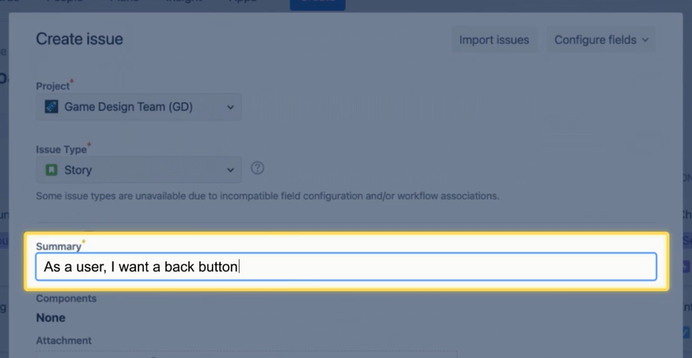
Stories - Write story summaries like this:
As a <PERSONA>, I want <THING>.Example:
As a user, I want a back button -
Bugs - Write bug summaries like this:
<FEATURE> should do <X>, but does <Y>.Example:
Menu button should show menu, but errors out
2. Create multiple issues at a time
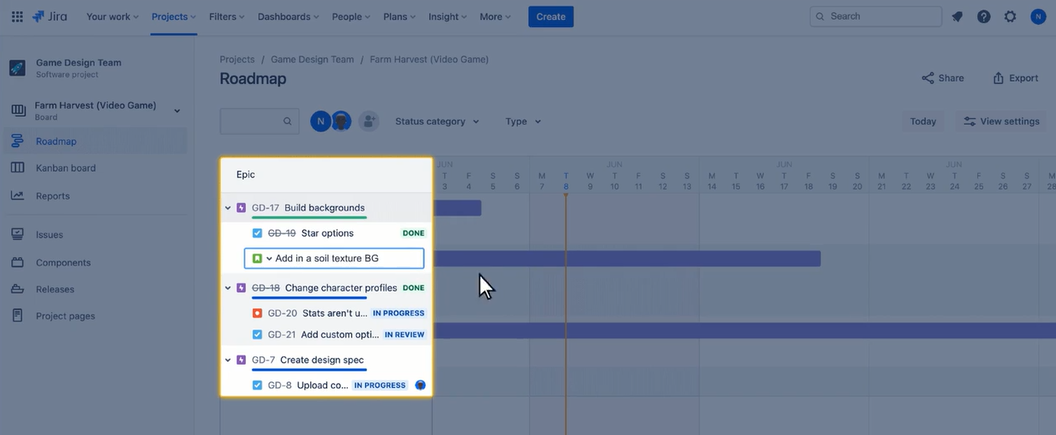
When planning, you can create several issues from a single view.
➡️ In the roadmap, select 'Create issue' and review your changes. ➡️ In the backlog, scroll to the bottom and create the issue directly.
3. Flag important issues
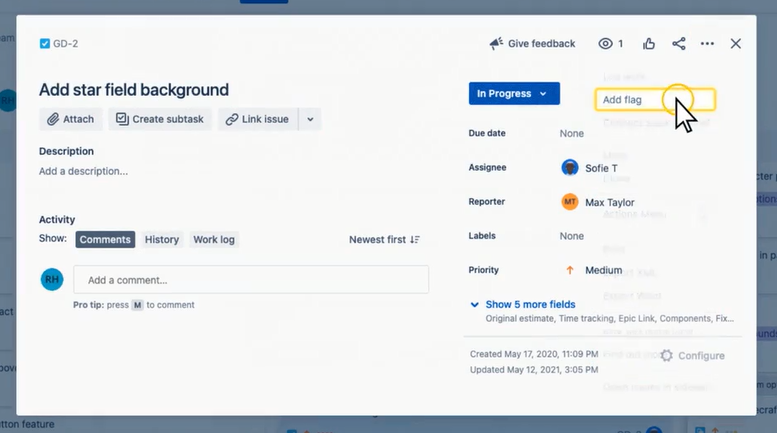
Flags highlight critical issues. Adding a flag turns the issue card yellow, helping prioritize tasks that are blocked or need urgent attention.
To add a flag to an issue:
- Open an issue
- Select the ellipses ••• and select Add flag
4. Use email notifications
Jira sends notifications for status changes or when you're @mentioned. These emails keep you updated and provide direct links to issues. While you can adjust settings, keeping notifications on ensures you're always informed
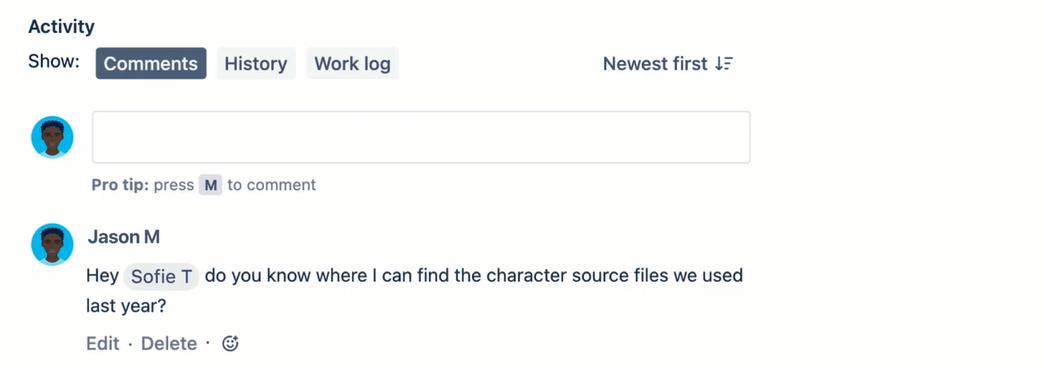
5. Use comments for every communication
Comments are important for collaboration and organizing work. Use them for progress updates, asking questions, and @mentioning teammates. Consistent commenting creates a transparent history of the issue and keeps everyone in the loop.