Running PodInfo
Overview
Podinfo is a small web application used to test, demo, and learn Kubernetes and GitOps tools like FluxCD.
- Shows pod details through a web UI
- Supports health checks and horizontal scaling
- Good for testing GitOps flows with FluxCD
Pre-requisites
Project Structure
If you followed the steps in setting up Flux, your project directory should have the following files:
$ tree
.
├── README.md
└── clusters
    └── dev
        └── flux-system
            ├── gotk-components.yaml
            ├── gotk-sync.yaml
            └── kustomization.yaml

3 directories, 4 files
This repository contains the Flux CD configuration files, but it doesn't necessarily need to contain the application files as well. _To organize the manifests, we will create folders for each lab, along with their respective kustomization.yaml file.
For this lab, create the podinfo directory:
mkdir clusters/dev/podinfo
```_

## `podinfo-repo.yaml`

To use a different repository which contain the application files, create a new config file which tells Flux to monitor a new Git repository:

```yaml
# clusters/dev/podinfo/podinfo-repo.yaml
apiVersion: source.toolkit.fluxcd.io/v1
kind: GitRepository
metadata:
  name: podinfo
  namespace: flux-system
spec:
  interval: 30s       ## how frequent flux will sync
  url: https://github.com/stefanprodan/podinfo.git
  ref:
    branch: master
This only tells FluxCD to watch the repo, not what to do with it.
podinfo-customization.yaml
This tells FluxCD how to apply the files in the repo. You can use any filename, just make sure that it's descriptive.
# clusters/dev/podinfo/podinfo-customization.yaml
apiVersion: kustomize.toolkit.fluxcd.io/v1
kind: Kustomization
metadata:
  name: podinfo
  namespace: flux-system
spec:
  interval: 5m0s
  path: ./kustomize
  prune: true
  sourceRef:
    kind: GitRepository
    name: podinfo
  targetNamespace: default
This file links to the repo and tells FluxCD where and how to apply the resources.
Add the Files in kustomization.yaml
This ensures that Flux also watches for the podinfo manifests.
# clusters/dev/podinfo/kustomization.yaml
apiVersion: kustomize.config.k8s.io/v1beta1
kind: Kustomization
resources:
- gotk-components.yaml
- gotk-sync.yaml
- podinfo-repo.yaml
- podinfo-customization.yaml
Pushing the Files to Git
Now commit and push the changes:
git add -A
git commit -m "Add podinfo repo and customization"
git push
If FluxCD made earlier commits, pull them first:
git pull --rebase
Then push your changes again if needed.
FluxCD will pick up the changes and apply them in the next sync cycle.
Checking That It Worked
You can check if FluxCD synced your customization using:
flux get kustomizations --watch
If it says Ready=True and Suspended=False, the deployment was successful.
NAME            REVISION                SUSPENDED       READY   MESSAGE

flux-system     main@sha1:8357455f      False           True    Applied revision: main@sha1:8357455f
flux-system     main@sha1:8357455f      False   Unknown Reconciliation in progress
flux-system     main@sha1:8357455f      False   Unknown Reconciliation in progress
podinfo         False   False   waiting to be reconciled
podinfo         False   False   waiting to be reconciled
flux-system     main@sha1:8357455f      False   True    Applied revision: main@sha1:0cceaab8
flux-system     main@sha1:0cceaab8      False   True    Applied revision: main@sha1:0cceaab8
podinfo         False   False   Source artifact not found, retrying in 30s
podinfo         False   Unknown Reconciliation in progress
podinfo         False   True    Applied revision: master@sha1:fb3b01be
podinfo master@sha1:fb3b01be    False   True    Applied revision: master@sha1:fb3b01be
podinfo master@sha1:fb3b01be    False   Unknown Reconciliation in progress
podinfo master@sha1:fb3b01be    False   True    Applied revision: master@sha1:fb3b01be
Now verify that the pods and the service are created:
$ kubectl get pods -n default
NAME                       READY   STATUS    RESTARTS   AGE
podinfo-5d9db9b467-9h26p   1/1     Running   0          3h47m
podinfo-5d9db9b467-mldhr   1/1     Running   0          3h47m

$ kubectl get svc -n default
NAME         TYPE        CLUSTER-IP     EXTERNAL-IP   PORT(S)
   AGE
kubernetes   ClusterIP   10.96.0.1      <none>        443/TCP
   19h
podinfo      ClusterIP   10.96.103.28   <none>        9898/TCP,9999/TCP   3h52m
To test the app, run:
kubectl port-forward svc/podinfo 9898:9898 --address 0.0.0.0
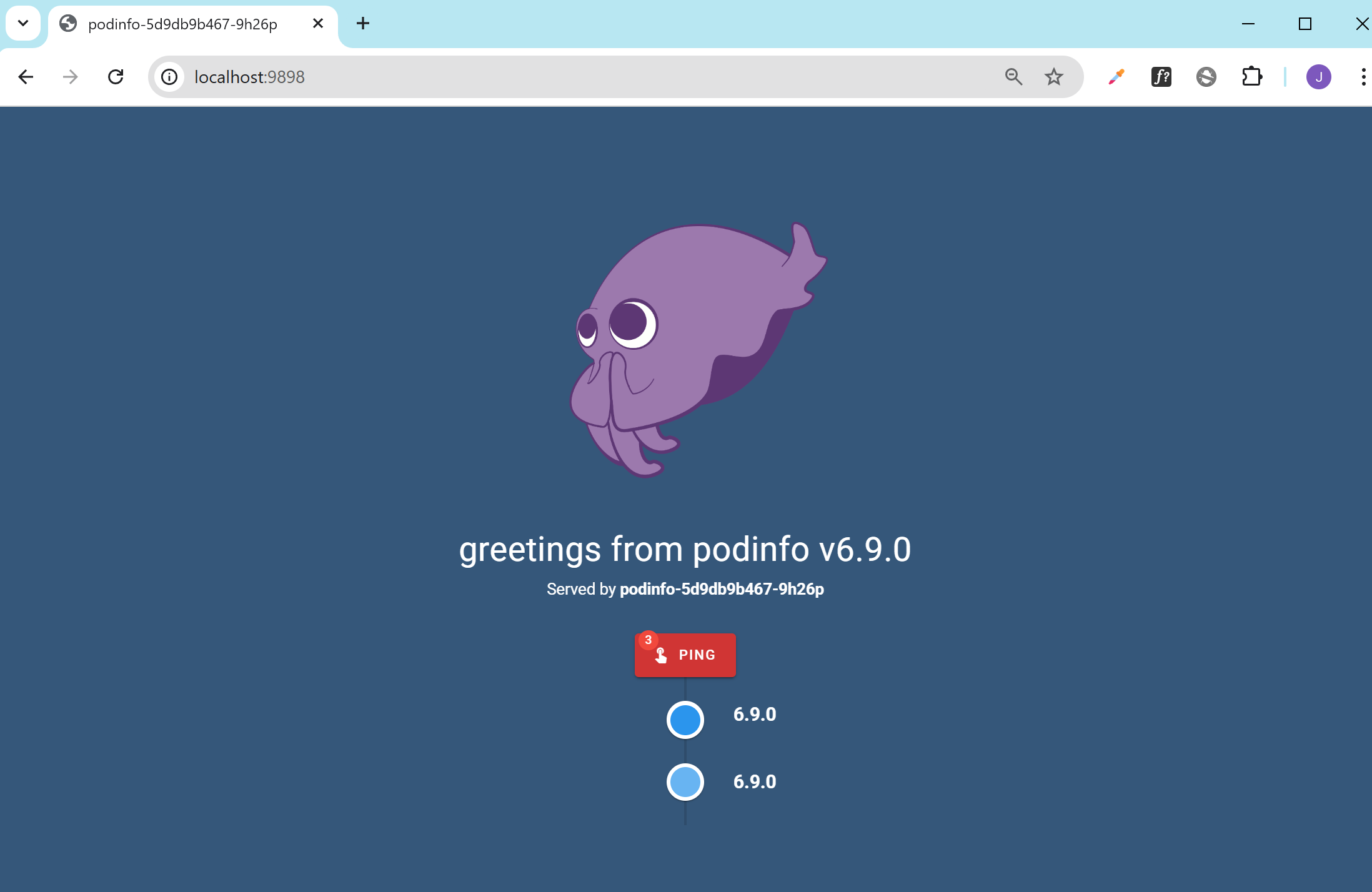
Then go to http://your-vm-ip:9898 in your browser. You’ll see the Podinfo web interface.
If you're running directly on your machine, you can go to localhost:9898: